




Price: ₹3,999 - ₹999.00
(as of May 31, 2025 12:07:10 UTC – Details)
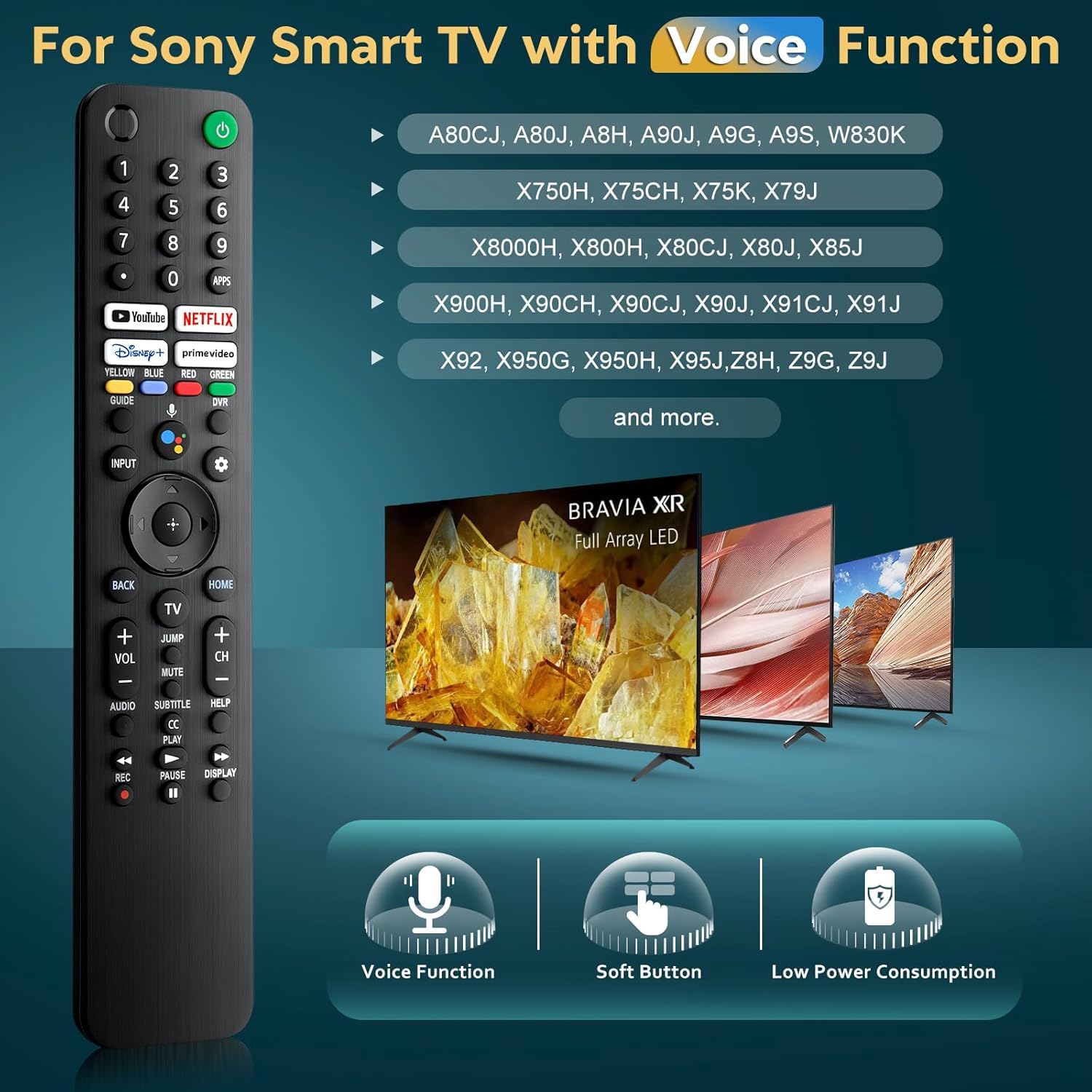
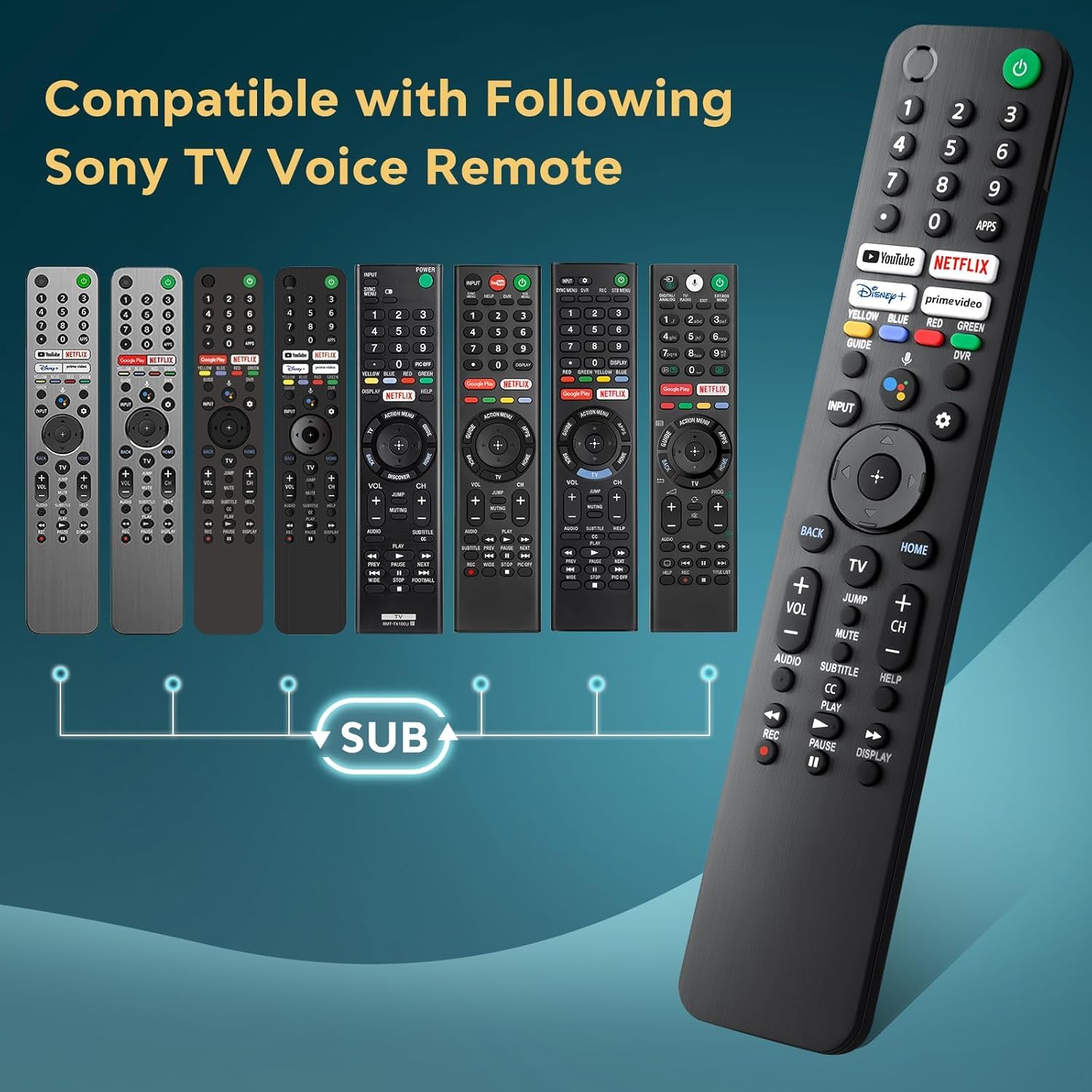
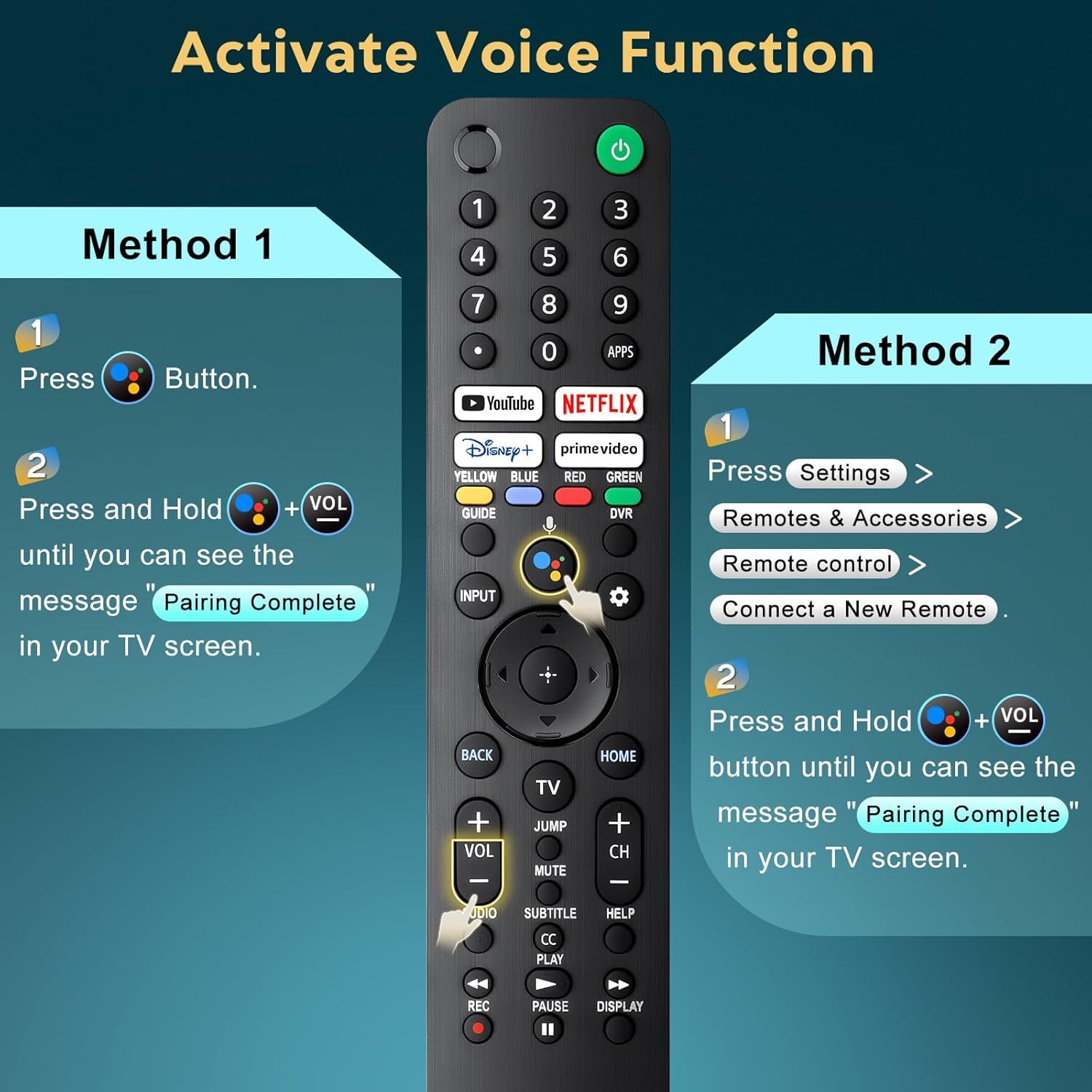
Compatible TV Models: including A80CJ, A80J, A8H, A90J, A9G, A9S, W830K, X750H, X75CH, X75K, X79J, X8000H, X800H, X80CJ, X80J, X85J, X900H, X90CH, X90CJ, X90J, X91CJ, X91J, X92, X950G, X950H, X95J, Z8H, Z9G, Z9J and more. Compatible Sony Voice Remotes: RMF-TX200U,RMF-TX201U,RMF-TX220U, RMF-TX520U, RMF-TX500U, RMF-TX600U, RMF-TX611U, RMF-TX621U, RMF-TX300U, RMF-TX310U Pairing Method: 1. Insert 2*AAA batteries in your new remote and turn on your TV. 2. Press [Settings] — [Remotes & Accessories] — [Remote control] — [Connect a New Remote]. 3. Press and Hold [Vol-] + [Google Assistant] button until you can see the message “Pairing Complete” in your TV screen.
Pairing Method: 1. Insert 2*AAA batteries in your new remote and turn on your TV. 2. Press [Settings] — [Remotes & Accessories] — [Remote control] — [Connect a New Remote]. 3. Press and Hold [Vol-] + [Google Assistant] button until you can see the message “Pairing Complete” in your TV screen.
【Wide Compatibility】Replacement voice remote is compatible with a wide range of sony smart voice tvs, including A80CJ, A80J, A8H, A90J, A9G, A9S, W830K, X750H, X75CH, X75K, X79J, X8000H, X800H, X80CJ, X80J, X85J, X900H, X90CH, X90CJ, X90J, X91CJ, X91J, X92, X950G, X950H, X95J, Z8H, Z9G, Z9J and more.
【For Sony Voice Remotes】Compatible with Sony TV voice remote control models: RMF-TX520U, RMF-TX500U, RMF-TX600U, RMF-TX611U, RMF-TX621U, RMF-TX300U, RMF-TX310U
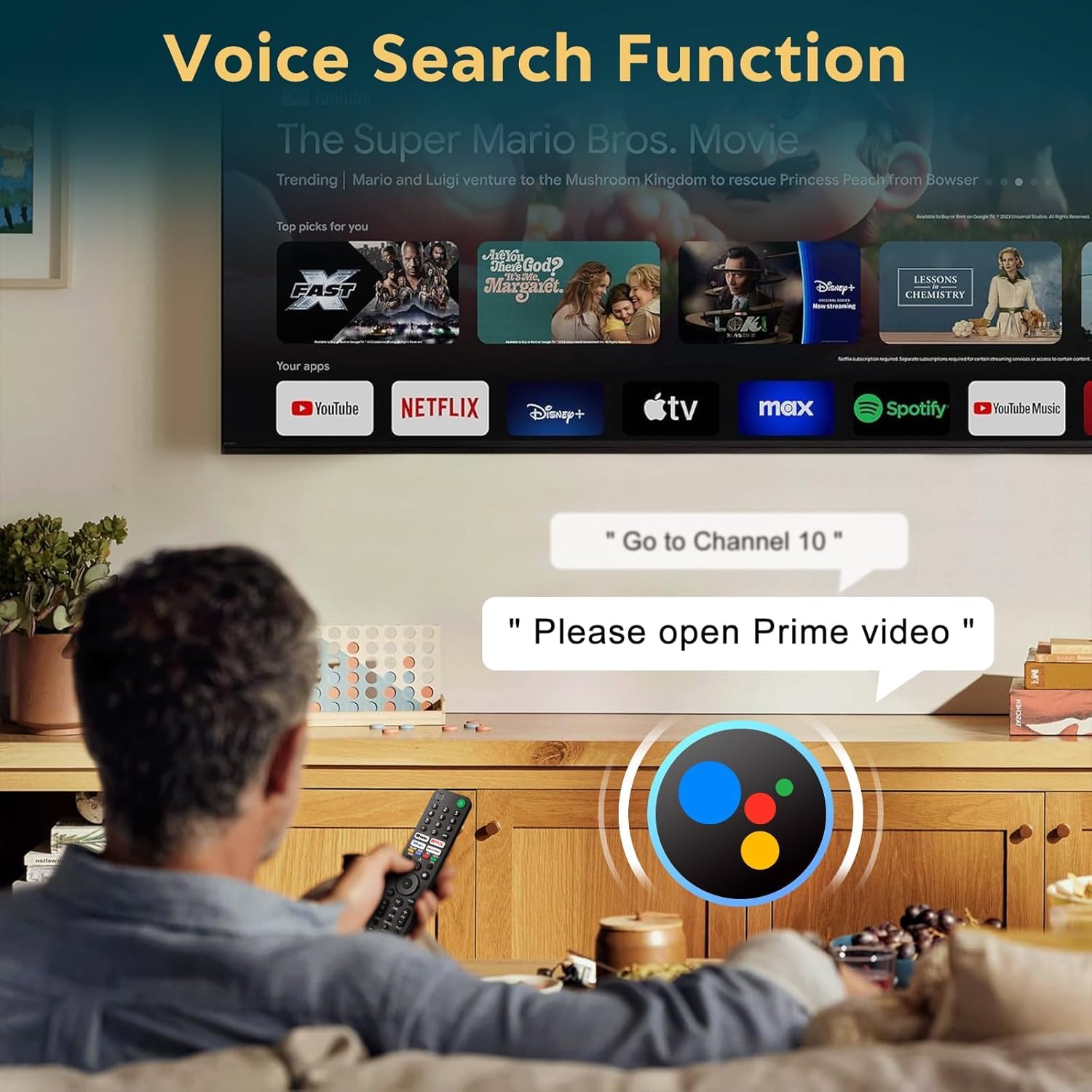
【Voice Command & Channel Shortcuts 】Enhance your TV viewing experience with our voice remote for Sony smart TV. It enables you to easily search for your favorite shows or apps by simply speaking into the remote. With the fast launch app feature, you can swiftly open your favorite applications with just a one clicks.
【Easy Pairing】① Insert 2*AAA batteries in your new remote and turn on your TV. ② Press [Settings] — [Remotes & Accessories] — [Remote control] — [Connect a New Remote]. ③ Press and Hold [Vol-] + [Google Assistant] button until you can see the message “Pairing Complete” in your TV screen. (Note: batteries are not included.)
【Enhanced User Experience】The remote control is designed with soft and sensitive buttons, providing a comfortable touch experience while ensuring durability for long-term use. It also comes with advanced infrared and bluetooth technology and offers a further transmission distance